
Two years back someone in cross-border hardware wholesale complained to me that what he dreaded, in his WhatsApp Business automation setup, was not a quiet order book. It was his phone ringing.
His buyers are mainly in the Middle East and South America, seven to eleven hours behind. While they work, he sleeps. By the time he starts, dozens of messages have piled up.
His arrangement was an hour of replies every morning and another round before bed. In between, buyers waited fifteen hours. A few orders went elsewhere simply because the reply came late.
One line of his stuck with me: this is not a question of effort. I cannot change the fact that I sleep.
First, this is not the official API
Before the how, separate two routes, because people conflate them.
One is the WhatsApp Business API. It needs a business application, a review, and pre-approved templates for outbound messages. It handles tidy, standardised scenarios well.
The other is operating the app on a phone , which is how you already use it. The advantage is no application, a lower barrier, and room for messier situations: you can look at images, scroll back through a conversation, see what a buyer photographed. The API cannot do that, or does it awkwardly.
This piece is about the second route. They are not substitutes. Plenty of teams run both: high-volume standard notifications through the API, flexible conversation on the phone.
Split the messages in two
The criterion is not importance. It is whether the answer is fixed.
Fixed answers, so a computer can take them:
- Price lists and minimum order quantities
- Dispatch timing and parcel status
- Specifications and packaging
- Payment methods and account details
- Returns policy
All of these are factual, and answering quickly helps rather than hurts.
Answers that are not fixed, so in cross-border customer support a person handles them:
- Negotiation
- Complaints and claims
- Unusual orders, short shipments, damage
- Anything involving money or liability
One wrong sentence in that second list costs several times what the saved time was worth.
Making standard replies not read as machine output
This is where this kind of automation usually fails.
Three rules.
Prepare several phrasings per question type. A buyer asking when something ships can be answered six different ways. Rotate them. Do not send one sentence for a year.
Keep your own voice. Whether you lead with the answer or with a greeting, whether you use short sentences or longer ones: write it that way. Buyers recognise your style, and a sudden switch to call-centre tone is more jarring than the automation itself.
When a number is involved, stop rather than guess. If a buyer asks how long delivery to Dubai takes, give the range if you have one. If it depends, have the flow stop and hand it over. Inventing a figure is worse than not replying yet.
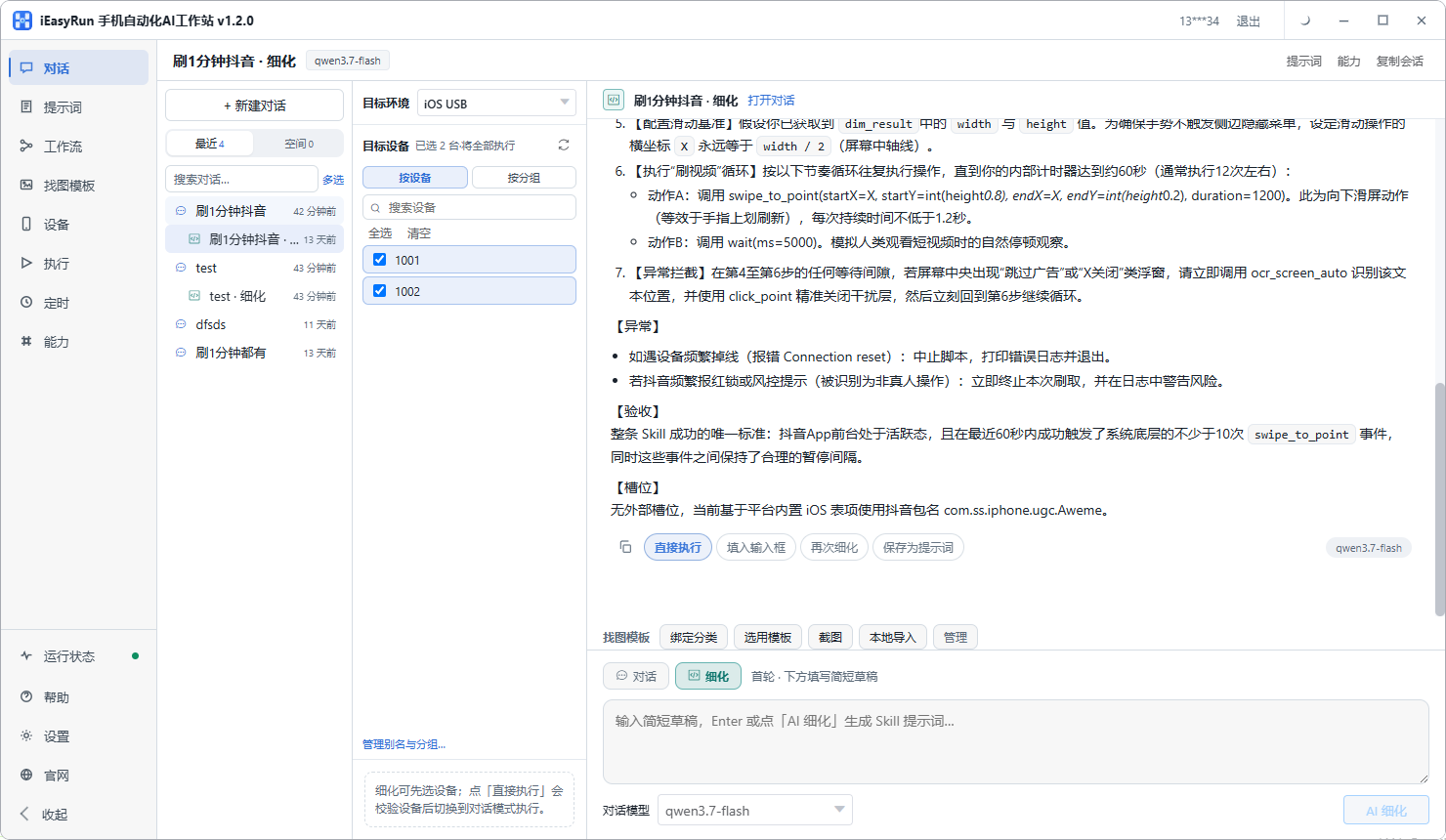
Scheduling a WhatsApp status update by region
The status feature gets overlooked by many doing overseas private domain work. It is a low-cost way to keep existing buyers warm: not intrusive, but always present.
The action is simple. Open the app, go to status, pick or take an image, add text, post. Fixed enough to template.
The timing is what needs thought. With buyers in several zones, posting whenever you happen to think of it serves whoever is awake.
So group by region, work back from each region active window to a time in your own zone, and stagger them. Every market then gets covered at least once.
The arithmetic for that is set out in the piece on scheduling overseas accounts.
Read them for the first fortnight
The risk in letting WhatsApp Business automation handle customer message replies is not technical. It is that a wrong reply goes unnoticed.
So with customer message replies, spend ten minutes a day for the first two weeks reading through the conversations the flow answered. Look for three things:
- Answers that missed the question, meaning keyword coverage is incomplete
- A tone that reads wrong, meaning the wording needs adjusting
- Cases that should have gone to a person but were answered automatically
Fix the keywords or wording and look again the next day. Two weeks in, it settles.
That step looks like a cost. It is far cheaper than handling a complaint afterwards, because a buyer patience is a consumable on your side. Every bad reply uses some up.
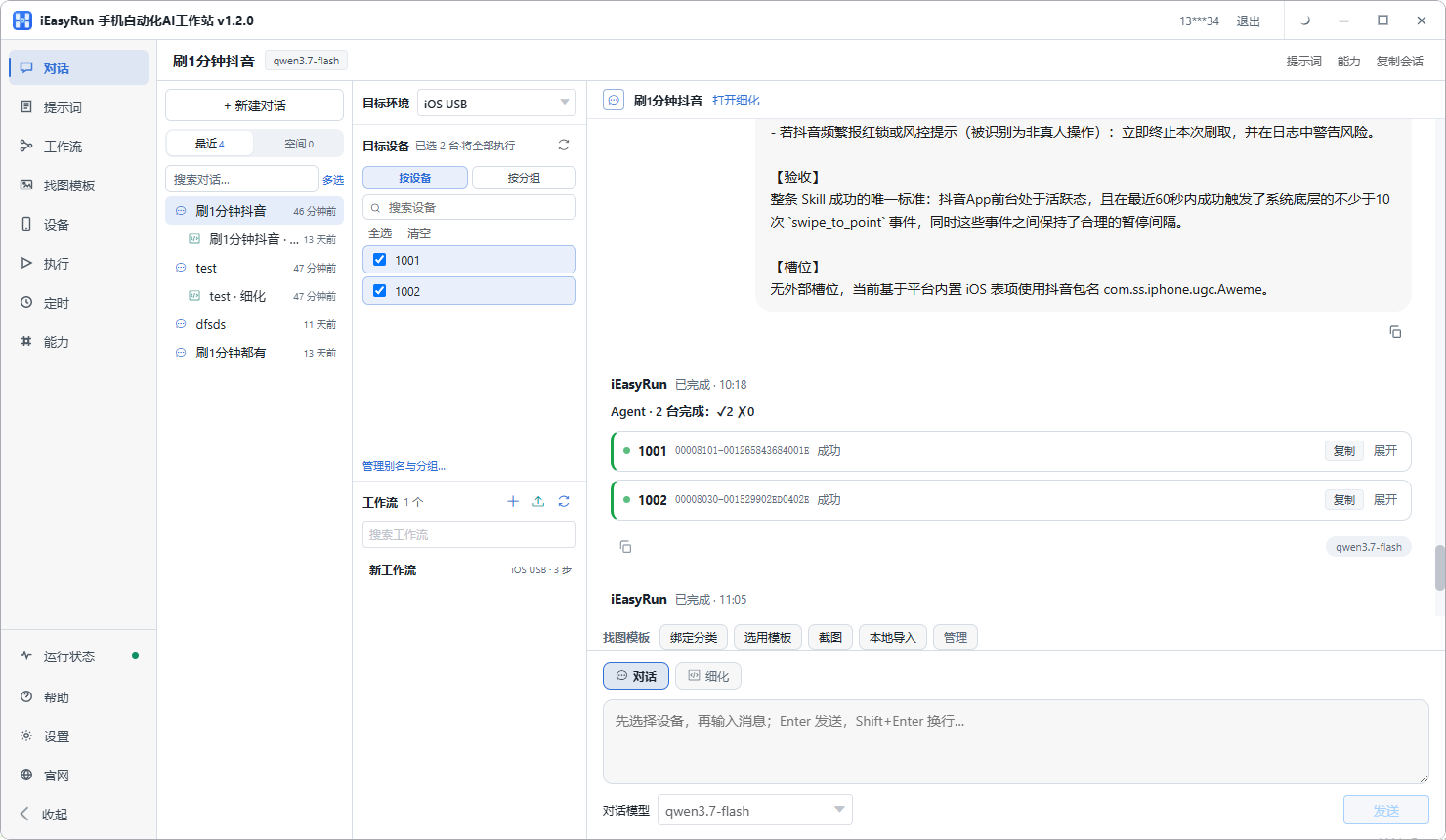
Several accounts, several markets
One phone per account, aliased with the market it covers, grouped by region.
The payoff comes at dispatch time: choosing a device means choosing an account, so nothing has to be held in memory. The mechanics of aliasing and grouping live in the Devices documentation.
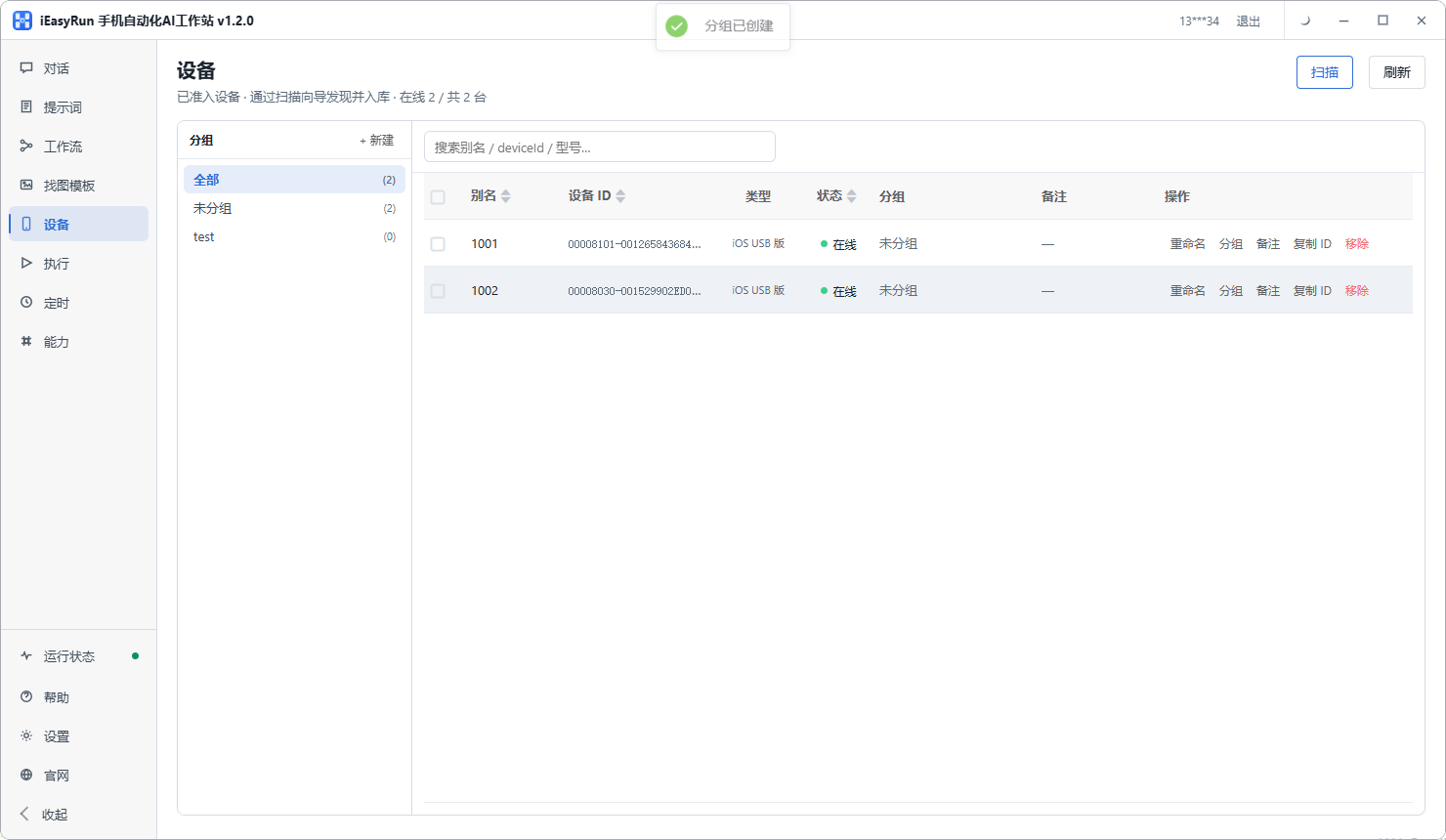
The boundary
In cross-border customer support, this handles fact transfer: a buyer asks something specific, you give a specific answer, and nobody needs to be involved.
It does not handle relationship work: how to negotiate, how to defuse a dispute, when to concede a little. Those are the business itself.
My advice is to hand over every factual question and then not spend the time saved on something else. Spend it on the messages that genuinely need you. Those decide the orders.
Back to the hardware wholesaler. Standard questions now go out automatically at any hour, WhatsApp status updates are scheduled separately across three markets, and he handles negotiation and disputes in two focused sessions a day. His buyers think he replies fast. What actually happened is that he handed over the part that did not need his thinking.
If you run overseas private domain work on WhatsApp Business, connect one phone using the install selection page and start with that table of standard questions. Once the table is clear, the flow is quick to build.
Frequently asked questions
- How is operating WhatsApp Business on a phone different from the official API?
- Two entirely different routes. The API needs a business application, review, and pre-approved message templates, and it handles tidy scenarios well. Operating the app on a phone is how you already use it: no application, lower barrier, and flexible enough to read images, look back through a conversation and see what a buyer sent.
- Which customer message replies can a computer take?
- Price lists, dispatch timing, parcel status, specifications, payment details. Fixed answers, and a quick accurate reply helps rather than hurts. Note that buyers phrase the same question very differently, so keyword coverage has to be wide.
- Which messages must stay with a person?
- Negotiation, complaints, claims, unusual orders, and anything where money or liability is at stake. One wrong sentence there costs several times what the time saved was worth.
- Why schedule a WhatsApp status update?
- Because a status is for existing buyers, and regularity affects how often it gets seen. Posting inside the hours your buyers are active beats posting at random, and it costs less effort.
- Buyers are in several time zones. How do I schedule around that?
- Group markets by region and work back from each region active window to a time in your own zone. Do not put every region on the same slot, or you are only serving one market.
- Do automatic replies make buyers feel brushed off?
- Not for factual questions, since what they want is a clear answer. The risk lies in letting a machine handle conversations that need a human touch. So draw the line clearly: facts go to the flow, feelings go to a person.
- How should several accounts be arranged?
- One phone per account, aliased with the account or the market it covers, grouped by region. Choosing a device then means choosing an account.
- How do I know an automatic reply was wrong?
- Read them. For the first fortnight, go through the conversations the flow answered every day and fix the keywords or the wording when something reads badly. That is far cheaper than handling a complaint later.
Move the standard replies out
A computer takes the routine questions, people keep the rest
Software is completely free and runs on your own computer.