
A few years back someone doing home decor content came to me with a very specific question: was there a quicker way to publish the same clip in three places.
He shoots vertical video and posts everything three times, to TikTok, Instagram Reels and YouTube Shorts. He did not know which platform would take off, so he covered all three.
The result was that one clip had to be published three times, and three times was not a simple copy. Each platform wants different fields, different conventions, a different cover. Two clips a day meant nearly fifty minutes of publishing.
What he said stuck with me: forty minutes to shoot and edit, and nearly forty to publish. I am not sure whether I am making content or moving boxes.
Three platforms, three flows
Worth putting the differences side by side, because three flows is not an exaggeration.
| TikTok | Instagram Reels | YouTube Shorts | |
|---|---|---|---|
| Publish entry | Plus at the bottom | Plus, then Reels | Plus, then create a Short |
| Length | Comparatively loose | Has a cap | Firm cap; past it, publishes as a normal video |
| Fields that matter | Hashtags, sound | Cover, hashtags | Title, description, visibility |
| Cover | Usually default | Worth setting | Can pick a frame |
| Other | Allows duets and remixes | Tied to the feed posts | Feeds the channel content system |
All three walk the same spine: choose the video, fill in the text, set some options, submit. But the fields, the order, and even where the buttons sit differ.
Which is why I recommend three flows rather than trying to merge them. The temptation to merge is strong, since it is all just video. Merge, and any small change disturbs the other two, and failures become hard to attribute.
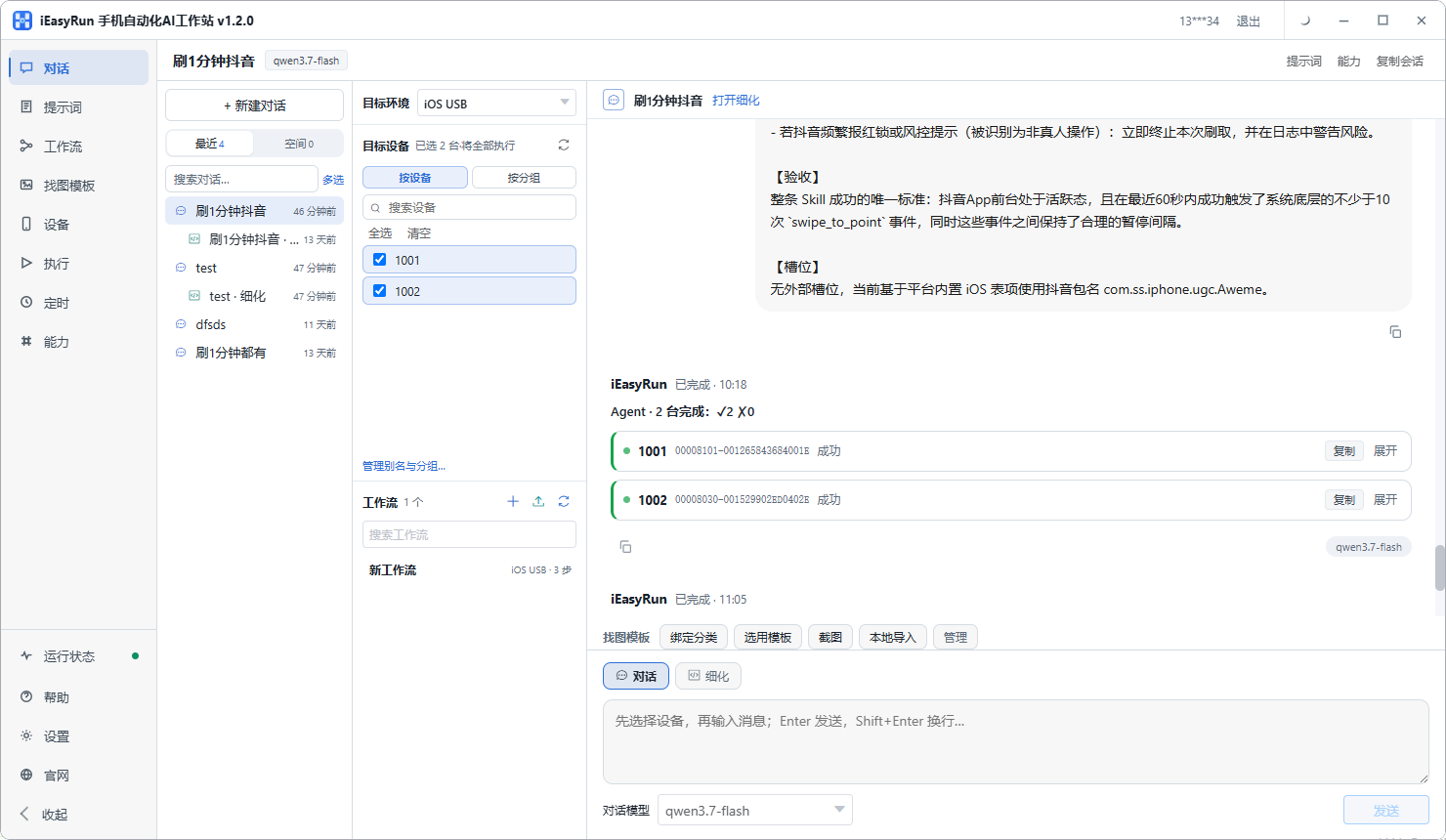
One file, three sets of text
This is where things get messy in practice.
The video file is shared. The ratio is the same, so one file pushed to three libraries covers it.
The text must be prepared separately. Title, description and hashtags differ across the three:
- TikTok hashtags feed the recommendation directly, so more of them usually helps
- Reels covers and first lines matter, because they show in the profile grid
- Shorts leans more on the title and description, because it feeds search and the channel page
So build three small tables on the computer:
| Platform | Title | Description | Hashtags | Cover |
|---|---|---|---|---|
| TikTok | … | … | … | Default |
| Reels | … | … | … | Set frame |
| Shorts | … | … | … | Set frame |
With the tables ready, configuring the flow becomes mapping columns onto parameters, far quicker than deciding while publishing.
If your text has a habitual shape, store it on the Prompts page and adapt it next time.
Describe the three flows in plain language
On the conversation page, select the phone and write out each platform in a separate session. Use refinement mode the first time for all three.
For Shorts, something like this:
Open YouTube, tap the plus at the bottom, choose create a Short, pick the most recent video in the library, set the title to the text I give you, the description to the text I give you, visibility public, cover taken from the second second of the video, and stop in front of the publish button without submitting.
The other two follow the same shape with different entries and fields. All three leave the publish action for confirmation at first. Confirming a few times costs less than deleting and republishing.
Three workflows, parameters per platform
Once each runs cleanly, save them as separate workflows.
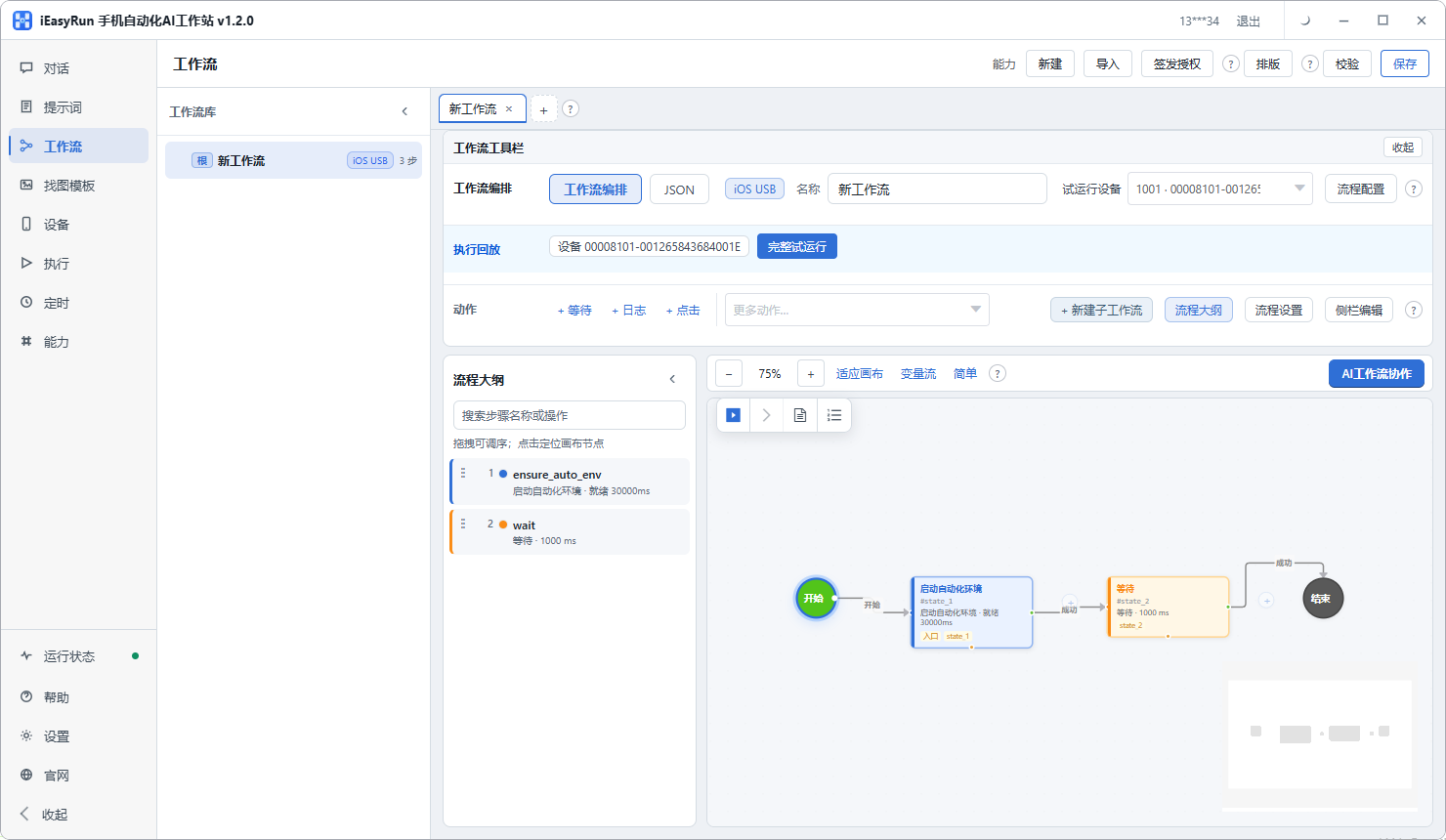
The parameters follow each platform habit:
- TikTok: caption, hashtags, sound choice
- Reels: caption, hashtags, cover frame
- Shorts: title, description, cover frame, visibility
The video index can be shared across all three, because the file is the same. That means swapping content changes one value and all three flows follow.
If you have three phones, one per platform, group them on the Devices page and dispatch by group. Choosing a device then means choosing a platform.
Keep the upload manual
This is the one part of the three flows where chasing full automation is not worth it.
The upload itself is tens of seconds to a couple of minutes, much better than long-form video. But two stretches are outside your control:
- Upload duration, which depends on file size and network conditions
- Platform processing, since after upload Shorts still identifies and classifies the vertical format
Automation cannot help with either, and when it stalls you cannot tell failure from waiting. So my arrangement is: upload by hand, with the script recording the item and time; let the workflow handle status tracking and data collection afterwards.
It sounds less impressive than full automation and is much easier to debug.
Spacing the three platforms
Their audiences are active at different hours, so do not publish simultaneously.
Work out the schedule per platform from where its audience is, and offset them by fifteen to thirty minutes. That gives each one a shot at its own peak and looks less mechanical.
With three phones, one per platform, it is simpler still: give each flow its own time point and they do not interfere.
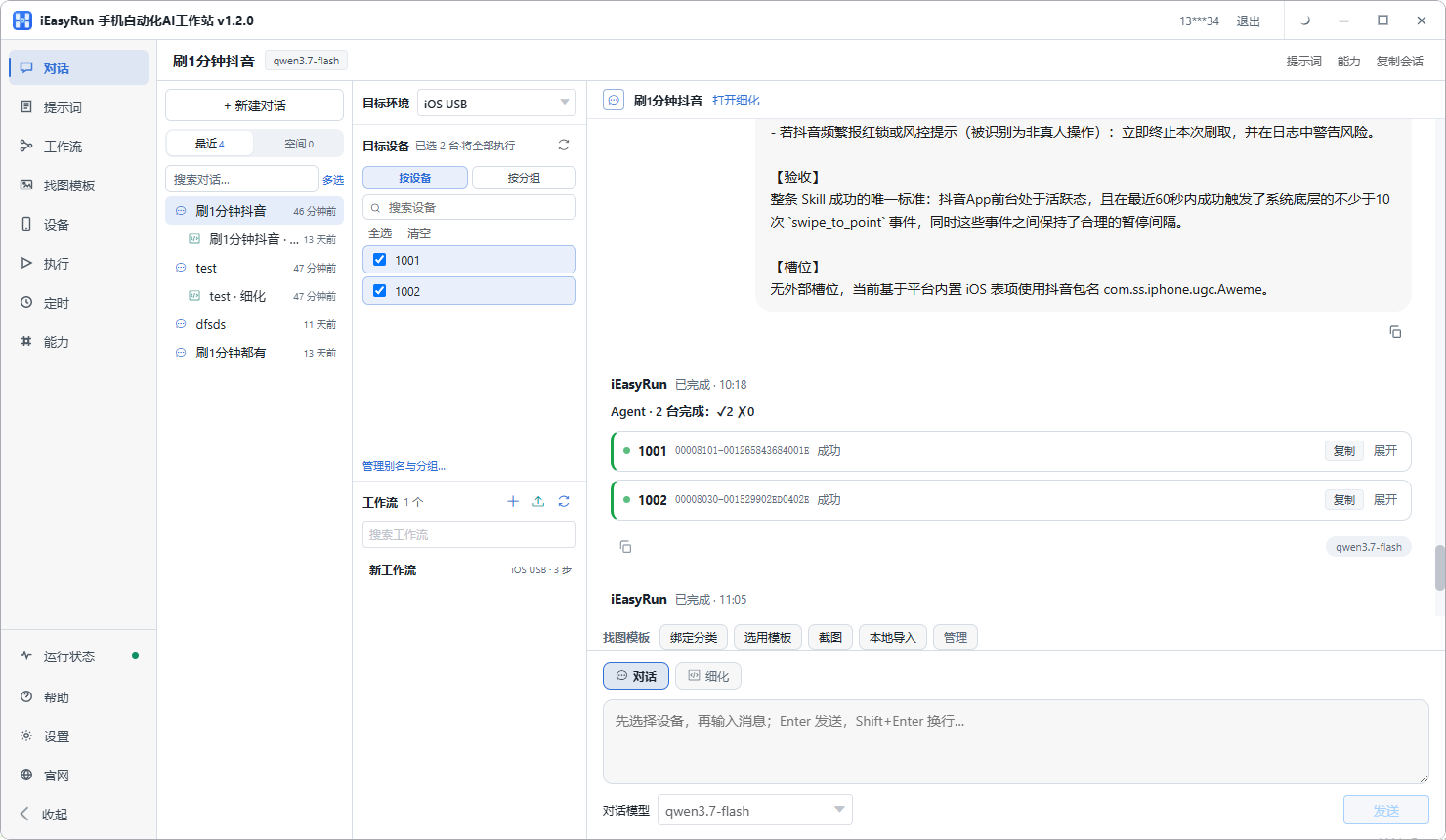
Checking and debugging
Once the three are running, go through Execution History. Publishing failures cluster into a few kinds:
- Stuck on a filling step, which means the wait was too short and the next step fired before the page loaded. Widen it
- Button not found, usually a bare icon, which an image template fixes
- Upload stalled, usually file size or network jitter. I rerun rather than edit the flow
Back to the home decor creator. He split the three platforms into three flows, one file and three text tables, and kept the upload step for himself. Publishing dropped from fifty minutes to under fifteen, most of which is him reading Execution History. In his words: the content gets made the same way, he just stopped being the courier.
With a single platform, one flow is enough. But if you are covering three with one clip, get one platform working first and copy to the others — changing parameters beats configuring from scratch.
Frequently asked questions
- Why cover all three platforms in one piece?
- Because almost everyone doing vertical video puts the same clip in three places: TikTok, Instagram Reels and YouTube Shorts. The content is one piece of work, the publishing is three, and each has different fields and ordering. Those three flows are where the time goes, not the shooting.
- What is the biggest difference for Shorts?
- Length limits and fields. Shorts has a firm length cap, past which a clip publishes as an ordinary video instead. Title and hashtag conventions also differ from the other two. TikTok leans on hashtags and sound, Reels leans on the cover.
- Do I need three copies of the video?
- No. The vertical aspect ratio is the same, so one file works in all three places. What has to be prepared separately is the text: title, description, hashtags. Each platform has its own conventions and length habits, so build that as a table.
- Should the three platforms be one flow or three?
- Three, and I would not merge them. Merged, any change disturbs all three and failures are hard to attribute. Three separate flows take a little longer to configure and far less time to maintain.
- Does the upload take long?
- Depends on file size and network. Vertical short video is usually tens to about a hundred megabytes, far better than long-form. Expect tens of seconds to a couple of minutes. Then the platform processes it, and that part is outside your control.
- Why keep the upload manual?
- Because upload duration and platform processing are both outside your control, and full automation cannot help with either. When it stalls you cannot tell whether it failed or is still waiting. Uploading by hand while the script records the state is steadier.
- Does publishing the same clip to three platforms read as reposting?
- Cross-posting between platforms is routine and they generally do not police it. What does get flagged is within one platform: pushing the same clip across several accounts there is a different matter.
- Should the three times be offset?
- Yes. Each platform has its own active hours, and the same clip going out everywhere at the same second looks unnatural. Work out the schedule per platform from where its audience is.
Handle the three at once
Prepare the file once, run three flows
Software is completely free and runs on your own computer.