
A few years back someone selling second-hand furniture came to me with two Facebook pages and one Marketplace seller account.
He had done the arithmetic: two page posts a day at two minutes each, and about ten Marketplace listings at three or four minutes each. Forty-odd minutes daily.
That sounds bearable, until he added the part that actually bothered him. Those forty minutes had to happen sitting down. Measuring a piece of furniture or answering a buyer, then breaking off to publish, then getting back into it. Twenty interruptions a day wears you down.
I asked him to look at the two jobs separately, because they are two flows with completely different rhythms inside one app, and mixing them together is how the workload gets underestimated.
Putting the two flows side by side
A page post is short:
- Open Facebook, switch to the page
- Tap the post box
- Write the text
- Add a photo
- Tap publish
Five steps, and only step 3 involves thinking.
A Marketplace listing is another order of magnitude:
- Open Facebook, go to Marketplace
- Tap sell something
- Pick photos from the library, usually several
- Reorder them
- Enter the title
- Enter the price
- Choose a category
- Choose a condition
- Write the description
- Choose the pickup method
- Tap next
- Confirm
Twelve steps, twenty-odd taps in practice. Four or five of them need a decision: how to word the title, what to price it at, which category, what condition.
Side by side the conclusion is clear: a page post is limited by how often it happens, a Marketplace listing is limited by length and the risk of missing a field.
Which to do first
Marketplace, without much doubt.
Three reasons. The single item takes long enough that automating it saves real time. There are enough fields that by the eighth listing of the day you are on autopilot, and that is exactly where omissions happen. And options like category and condition never get entered wrong by a template, whereas a person entering them a hundred times will.
Page posts are not worthless, just lower priority. With one or two pages posting once a day, doing it by hand is faster. But if several pages need updating on a schedule, configure it at the same time — that flow is simple enough that it costs almost nothing.
Build the item table on the computer first
This is the step people skip, and then they stall while configuring the flow.
Prepare the listing details as a table on the computer, one row per item:
| Column | Contents |
|---|---|
| Title | Short name of the item |
| Price | A number |
| Category | The category you decided on |
| Condition | The grade you use |
| Description | Two or three sentences |
| Pickup method | Collection or shipping |
| Photo index | Which photos in the library |
With that table ready, configuring the flow changes completely. You no longer have to think about how to describe this item; you only map the columns onto the flow parameters.
Worth adding: the table is an asset in itself. Next batch of stock, edit the table and the flow does not change at all.
Getting the photos into the library
A listing needs photos already in the library. Bulk push from the workstation handles it, with two things to watch.
Push in stages. Sending everything at once saturates the network and ends up slower.
Grant photo library permission on iPhone first. Without it, the files arrive and cannot be saved, and the flow fails at the photo step with nothing to select.
Describe each flow in plain language
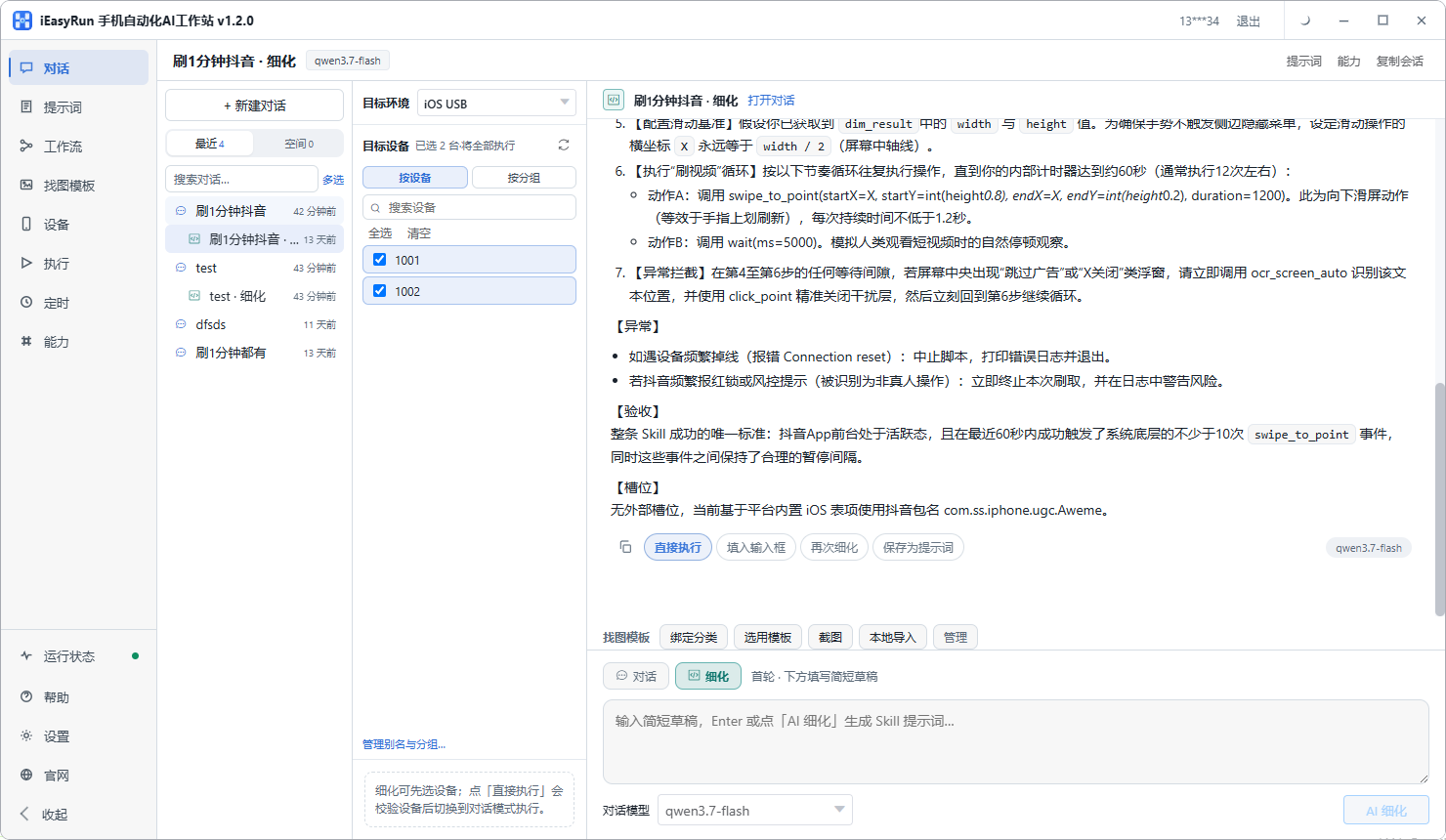
On the conversation page, select the phone and describe the two flows in separate sessions. Use refinement mode the first time for both; it will ask about details you did not think to mention.
For the listing, start from something like this:
Open Facebook, go to Marketplace, tap sell something, choose the most recent photo in the library, then the next two as extra photos, set the title to the text I give you, the price to the number I give you, category furniture, condition good used, the description to the two lines I give you, pickup method collection, and stop in front of the publish button without submitting.
The page post is much shorter:
Open Facebook, switch to my page, tap the post box, put in the text I give you, attach the most recent photo, and stop in front of the publish button.
Both leave the publish action for confirmation. Listing and posting cannot be undone, so a few manual confirmations at the start cost less than cleaning up afterwards.
Two workflows, different parameters
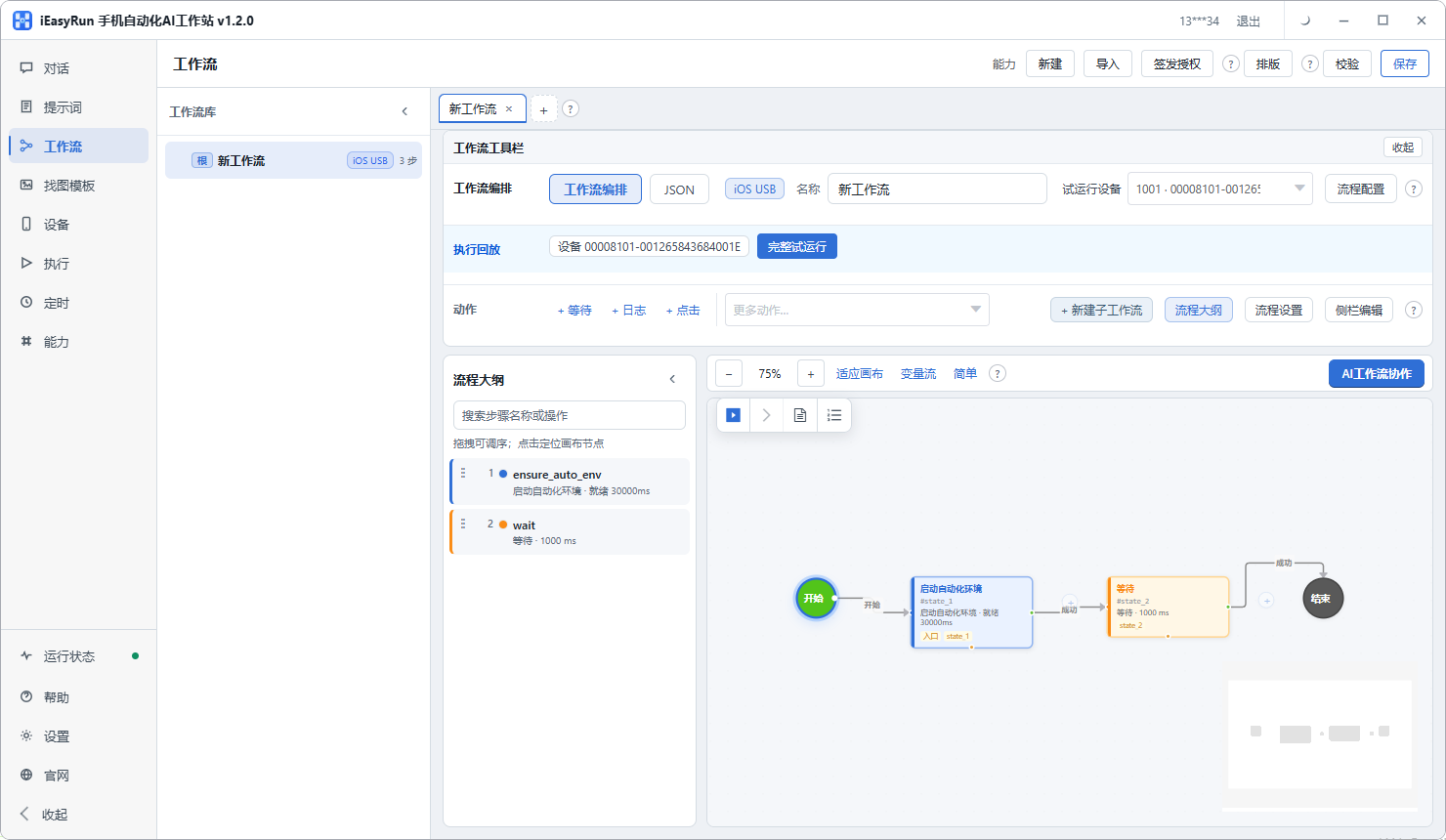
Once both run cleanly, save them as two separate workflows.
The listing takes title, price, description and photo index as parameters. If a batch shares one condition and pickup method, hard-code those; more parameters is not better, only the ones that actually change.
The page post takes only caption and photo index, with everything else fixed.
Keeping accounts apart
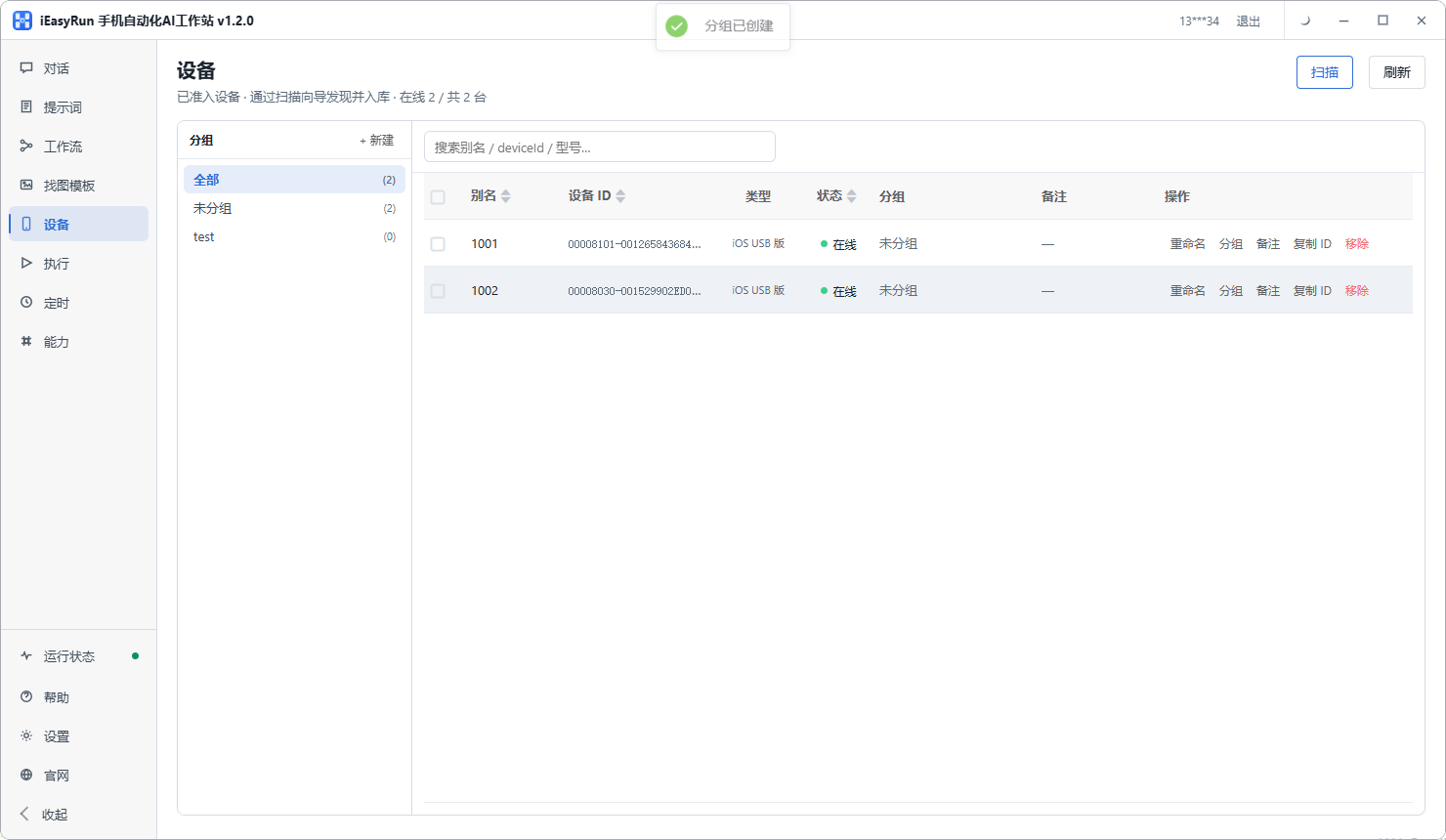
Two pages and one seller account: one phone each, aliased with the account name. Group them by business line if that helps, such as furniture pages in one group and the second-hand account in another.
The payoff is that choosing a device means choosing an account, which removes one decision and one chance of publishing in the wrong place. How to alias and group devices is set out in the Devices documentation.
Where to look when something fails
Check Execution History after each round. Listing failures come down to two things most of the time:
- A required field did not get filled, which usually means that field is not where you assumed in the step order, so reorder the flow
- A button could not be recognised, which is common on Facebook because several buttons are bare icons. Add an image template
Page post failures are usually a wait set too short, with the photo still uploading when the next step fires.
Back to the furniture seller. He did not move both flows at once. Marketplace ran for about a week on its own, and then he added the page posts. His summary: listing went from something he had to sit down and do to something he fills a table for in the morning and taps once. The page posts came almost free.
If page posts are the only thing you do, a couple a day, doing them by hand is faster. But if both are running, get the listing flow working first — that is where the time actually is.
Frequently asked questions
- Is the gap between a page post and a Marketplace listing really that big?
- Bigger than it looks. A page post is write something, add a photo, tap publish. Five or six steps. A Marketplace listing needs a title, price, category, condition, description and pickup method, plus selecting and ordering photos. Twenty taps or more.
- Which one should be automated first?
- Marketplace. A single listing takes several minutes, so ten a day is most of an hour, and with that many fields mistakes creep in. A page post takes a minute or two, which only pays off if you are running several pages on a schedule.
- Where should the listing details be prepared?
- On the computer, as a table with one row per item: title, price, category, condition, description, pickup method. Preparing the table first makes configuring the flow far quicker and stops fields being missed.
- How do product photos get onto the phone?
- Push them in bulk from the workstation into the device library. On iPhone you must grant photo library permission first, or the files arrive and cannot be saved. For large batches, push in stages rather than all at once.
- How do I stop a listing landing on the wrong account?
- One phone per account, aliased with the account name, grouped by business line. Choosing a device then means choosing an account, which removes one decision and one chance of a mistake.
- Do condition and pickup method change much?
- Usually not within one batch of stock, in which case hard-code them into the template. Only title, price and description really change, so those are the parameters. More parameters is not better, only the ones that actually vary.
- Is a page post worth its own template?
- For one or two pages posting once a day, no, doing it by hand is faster. But if several pages need updating on a schedule, it costs almost nothing to configure, because that flow is so much simpler than listing.
- How do I debug a failed post?
- Check Execution History, which records the source, status, target device and error. Listing failures are usually a required field that did not get filled, or a button that could not be recognised, which an image template fixes.
Start with the heavier one
Hand the Marketplace listing flow over first
Software is completely free and runs on your own computer.