
Two years back someone making personalised gift cards came to me. She ran a single Etsy shop alone.
Her day went roughly like this. Up in the morning, check buyer messages, reply to whatever came in overnight. Then start listing new items, since a batch goes up every few days. Halfway through, two more messages arrive, so she switches back to reply. Then back to listing, by which point she has lost the thread. Afternoon goes to personalised orders, checking one by one what each buyer wrote. Evening, another round of messages.
She told me both jobs got done, and neither got done well. Listing was always interrupted, and replies were not as quick as they should be.
What struck me was not a shortage of hours, but how Etsy seller operations splits into two kinds of work. It was that two kinds of work had been mixed into the same day.
The two jobs behave in opposite ways
Laid out side by side, their rhythms are inverted.
Bulk listing is work you batch up. Items do not depend on each other, so working straight through is fastest, and any interruption means re-entering the state.
Etsy buyer messages land whenever they land. They have to interrupt, and they are time-sensitive: while a buyer waits, they may be ordering elsewhere.
Mix those in one day and you are switching constantly. And switching costs more than either job does. One interruption to a listing session can cost ten minutes of getting back into it. Five interruptions and an hour is gone.
So the answer in Etsy automation is not trying harder. It is separating the two: give the batch work a solid block of time and hand as much of it to a computer as you can; handle messages in a few fixed windows.
Hand the bulk listing over first
Etsy bulk listing takes around ten steps: open Etsy, go to shop manager, tap add a listing, upload photos, fill the title, write the description, set the price, set stock, choose a shipping profile, add tags, publish.
Not an unusual number of fields, but highly repetitive and thin on judgement, which is exactly what suits a template.
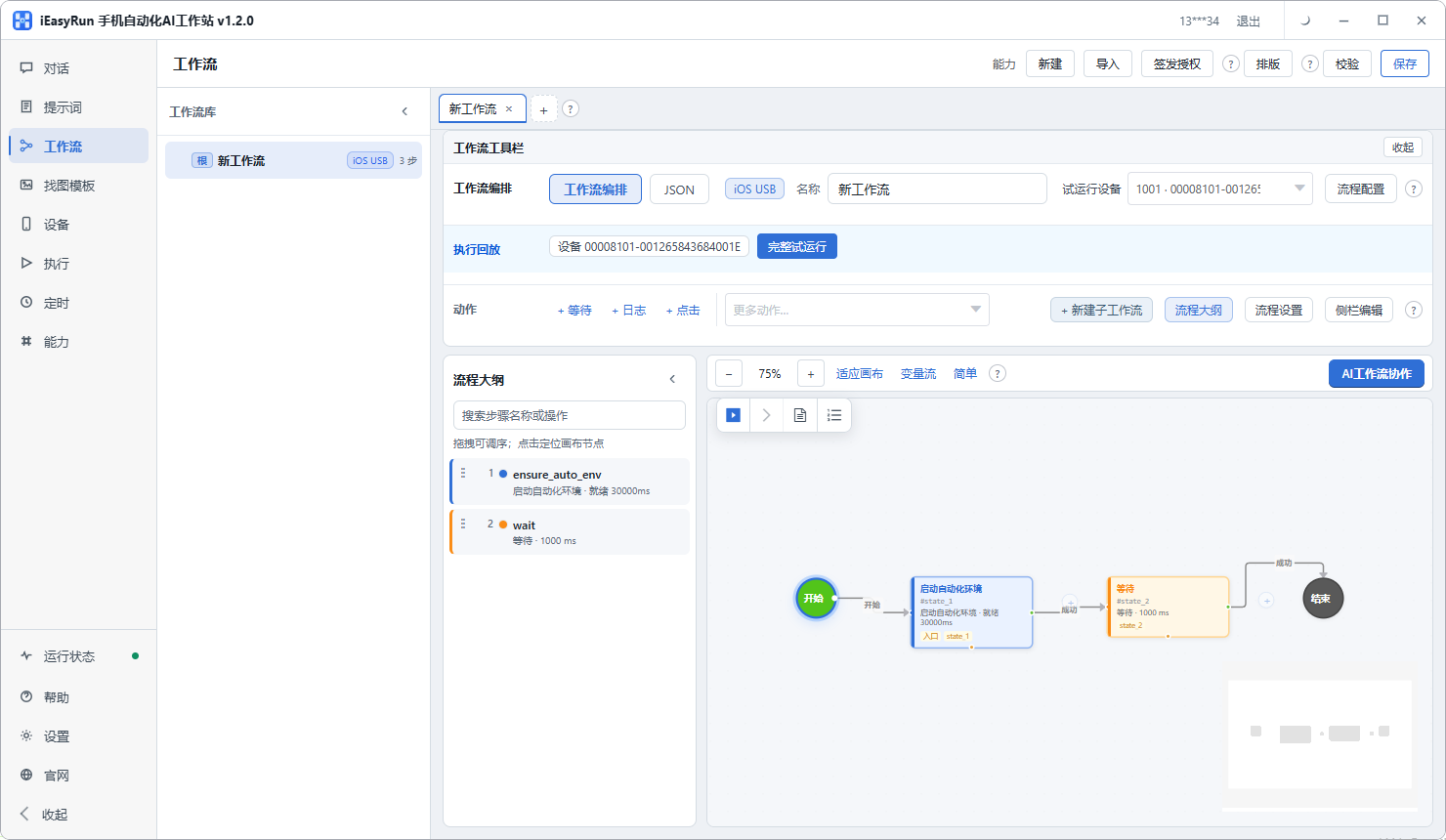
The method for Etsy bulk listing is the same as always: build the table, then configure the flow.
| Table column | In the flow |
|---|---|
| Title | Parameter |
| Description | Parameter |
| Price | Parameter |
| Stock | Parameter |
| Image index | Parameter |
| Tags | Parameter |
| Shipping profile | Hard-coded per shop |
Note the last row. Anything fixed per shop should not become a parameter. A shipping profile does not change for months, and making it a parameter only means filling it in again before every run.
Copy is worth preparing in the table too, and that is where the real saving sits. Writing copy needs a certain state of mind. Writing a batch in one sitting beats inventing it while listing.
Describe the flow on the conversation page and leave publishing for manual confirmation at first. Once it runs cleanly, save it to workflows, and afterwards the job becomes edit the table, tap once.
Draw a line on buyer messages
I am more conservative about Etsy buyer messages.
Can be templated : where is my parcel, when does it ship, which size should I pick, what is the returns process. Fixed answers, low risk, and a message template lets the flow close them out.
Must be a person : disputes, negative feedback, refund complaints, unusual requests. One wrong sentence there costs far more than the time saved.
And one category needs pulling out entirely: personalised orders.
Etsy carries a lot of made-to-order listings, and buyers write a block of requirements at checkout: which font, which colour, what date to engrave, what size. That block has to be read and checked by a person, because it is specific to that one order.
My arrangement lets the flow do the first half: surface the personalised orders and gather the buyer requirements into a table. Then a person confirms and replies line by line. That removes the value of opening each order individually while keeping the critical judgement human.
How to split the day
Once the two jobs are separated, the shape of a day is obvious.
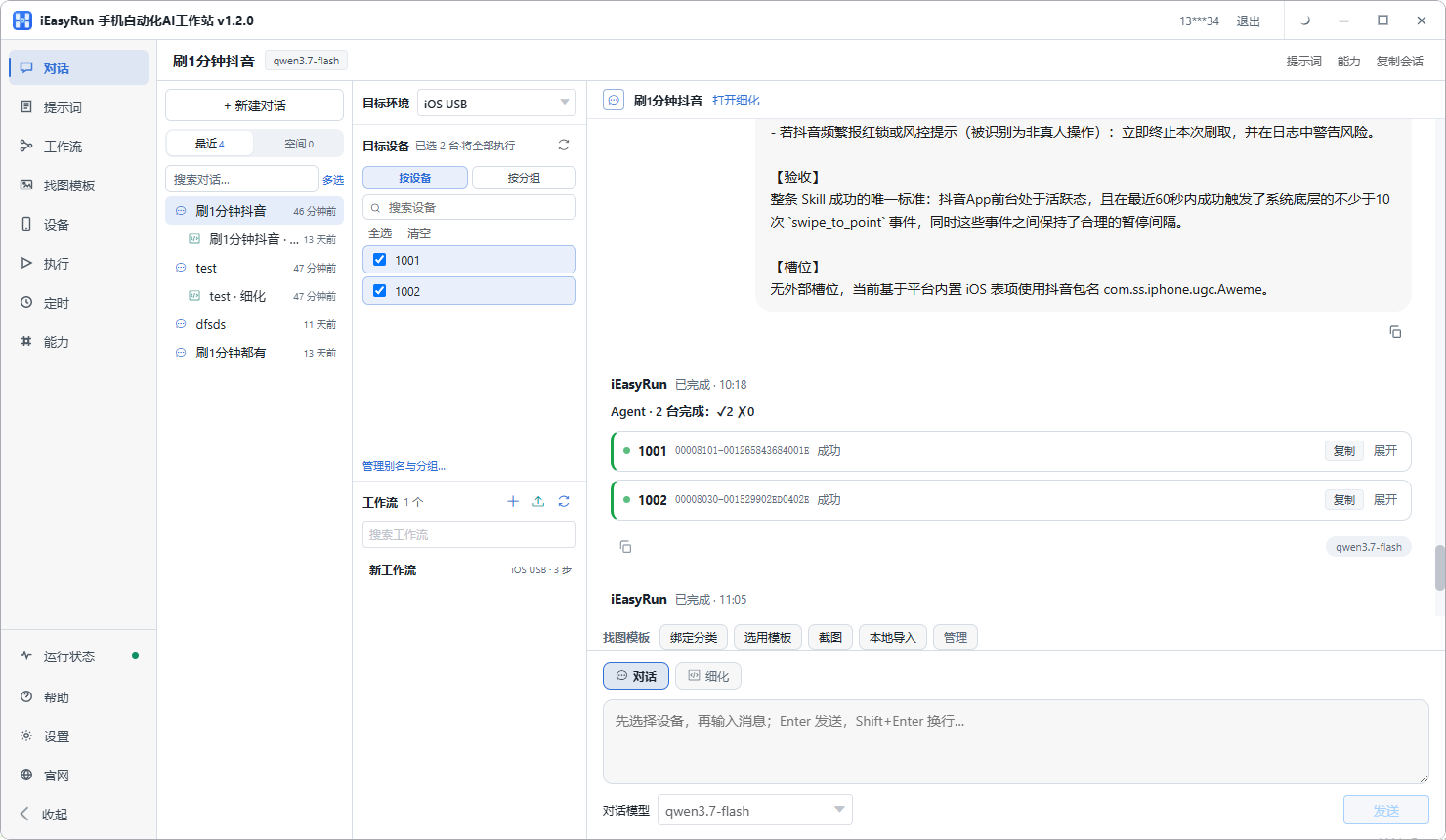
One block in the morning for the batch work: listing, restocking, repricing. The templates run these. You prepare the table, tap once, reconcile the results.
Two or three fixed windows for messages. Midday, early evening, before bed. That compresses interruptions scattered across the day into a few.
A separate slot for personalised orders: check the requirements, reply. Do not mix that with anything else.
The arrangement is not complicated. It solves the core problem, which is reducing the number of times you switch state.
Several shops
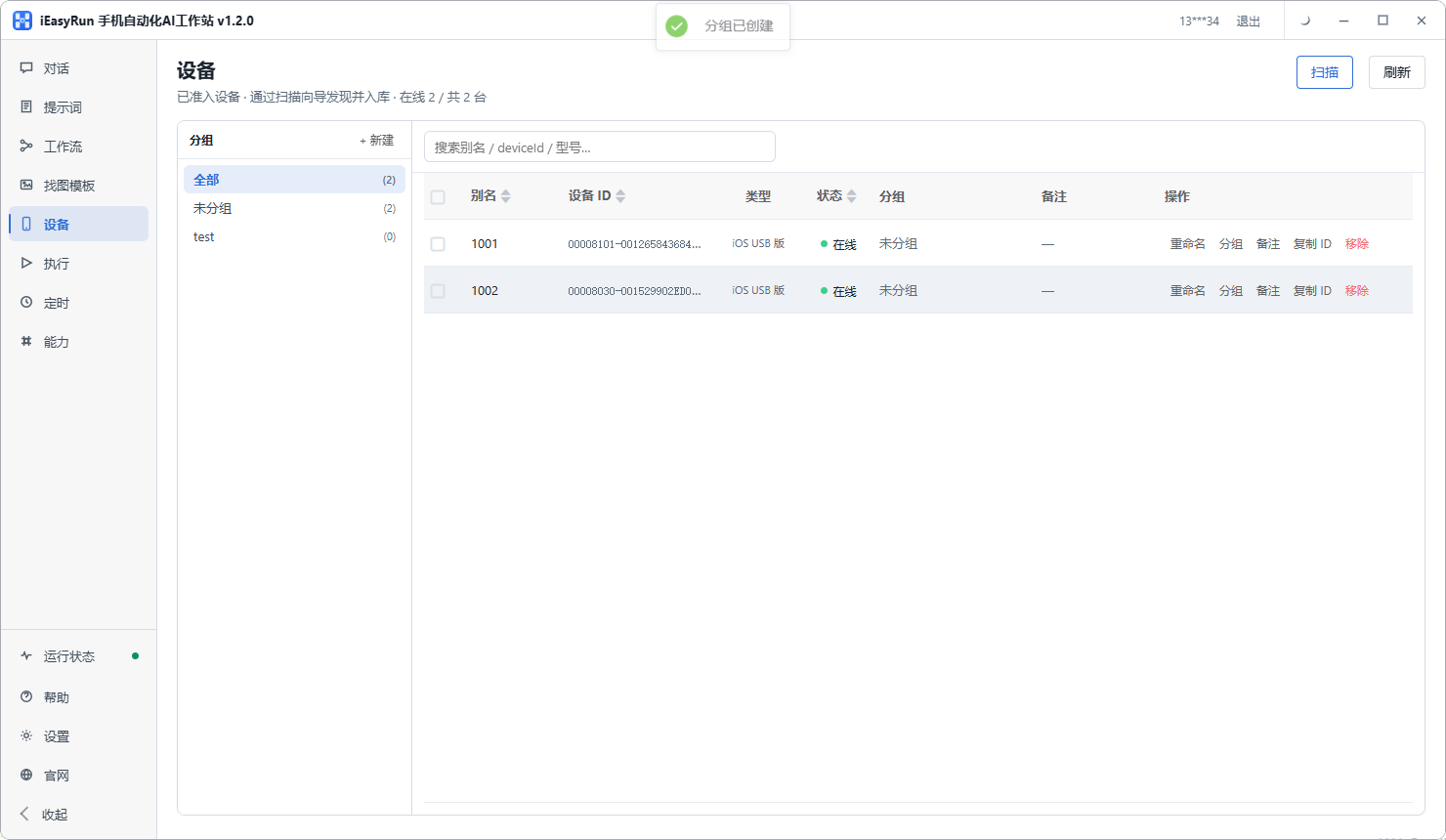
With more than one shop, keep one shop per phone, aliased with the shop name, grouped by category.
One difference from a single shop: dispatch location and shipping profile can differ between shops. Hard-code those separately in each template rather than trying to share one set.
The boundary
Etsy automation of this kind handles execution: it repeats listing, restocking and repricing, and it gathers personalised order requirements for you.
It does not handle judgement: whether the description sells, how to calm this buyer, whether the personalisation request contradicts itself. Those are the parts of Etsy seller operations that actually carry value.
My advice is this. Template what can be templated, and then do not spend the time saved on something else. Spend it on messages and better listings. Those two are what convert.
Back to the gift card maker. She templated listing and restocking, spent an hour each morning preparing the table, running the flows and reconciling. Messages moved to two fixed windows. Personalised orders got a dedicated slot. Her summary: it used to be busy all day, and now the day has two clear sections. The morning does batches, the rest handles people.
If you run Etsy on your own, connect one phone using the install selection page, start with the listing flow, and add restocking and repricing once it holds.
Frequently asked questions
- Why treat listing and buyer messages as two different jobs?
- Their rhythm is opposite. Listing works best in batches, one item after another without interruption. Messages arrive whenever they arrive and have to interrupt. Mixing them means constant switching, and both suffer.
- Which one suits a computer better?
- Bulk listing. The actions are fixed, nothing needs a live reaction, and it can wait until you have a batch. A good share of buyer messages must be written by a person, especially personalised orders and disputes, where the risk is too high.
- How should Etsy personalised orders be handled?
- Pull them out separately. Buyers write a block of specific requirements: a name, a colour, a size, a date. That block must be read and checked by a person. Let the flow collect the orders and gather the requirements into a table, but keep confirmation and replies manual.
- Is any of the messaging automatable?
- Yes, but only standard questions: where is my parcel, when does it ship, which size should I pick, what is the returns process. Fixed answers, low risk. Everything else gets routed to a person by category.
- How many steps does one listing take?
- Around ten or so: open Etsy, go to shop manager, tap add a listing, upload photos, fill the title, write the description, set the price, set stock, choose a shipping profile, add tags, publish. Not an unusual number of fields, but very repetitive.
- How should sellers with several shops arrange it?
- One shop per phone, aliased with the shop name, grouped by category. Choosing a device then means choosing a shop. Note that dispatch location and shipping profiles can differ between shops, so those must be hard-coded per template.
- What about after listing?
- Restocking and repricing. Both repeat more than listing and have clearer rules. Wire them up once the listing flow is stable and the return is larger than listing itself.
- How do I know the automated part did not go wrong?
- Reconcile Execution History after each run, then check the shop itself. Both agreeing is what counts. Price and stock especially, since a wrong number there leads directly to a complaint.
Move the batch work out first
Template the listing, spend the time saved on messages
Software is completely free and runs on your own computer.