
At a cross-border sellers meetup two years ago, someone asked me whether Amazon seller automation was worth doing. He asked it well.
His team of three ran four stores. Every day felt busy, but when they sat down to review, nobody could say where the time had gone. He tried time tracking for a week and found the longest single task was eight minutes. Everything was fragments.
That result says something. Their time was not being eaten by one big job. It was being sanded down by dozens of small ones.
And mobile operations share a property: very little judgement per instance. Which is exactly the part that can be handed over.
Choose first, automate second
Amazon seller central does too much: advertising, promotions, inventory, finance, performance, appeals. Anyone who tries to automate all of it gives up halfway.
For Amazon seller automation, two criteria only:
- It repeats many times a day
- It needs no thinking each time
Only actions that satisfy both deserve a template.
Run your day through that filter and three categories usually survive:
| Action | Times a day | Needs judgement | Worth doing |
|---|---|---|---|
| Order status checks | A dozen or more | No | Yes |
| Standard buyer replies | A dozen to dozens | Mostly no | Yes |
| Stock and price watching | A few | Not when the rule is explicit | Yes |
| Listing new products | A few a week | Every time | No |
| Advertising and promotions | A few a week | Every time | No |
| Appeals and claims | Irregular | Must be a person | No |
The right column is not impossible. It is not worth the effort. Listing one new product means choosing a category, writing bullets, arranging images and thinking about keywords, all different every time. A template saves less than doing it directly.
The three categories that are worth it
They behave differently, so they are configured differently.
Order status checks are the simplest. Open the orders page, filter by status, read the first few rows. Nothing is changed, so the risk is lowest and this is the natural first flow. Once it runs cleanly, twice a day beats scrolling by hand.
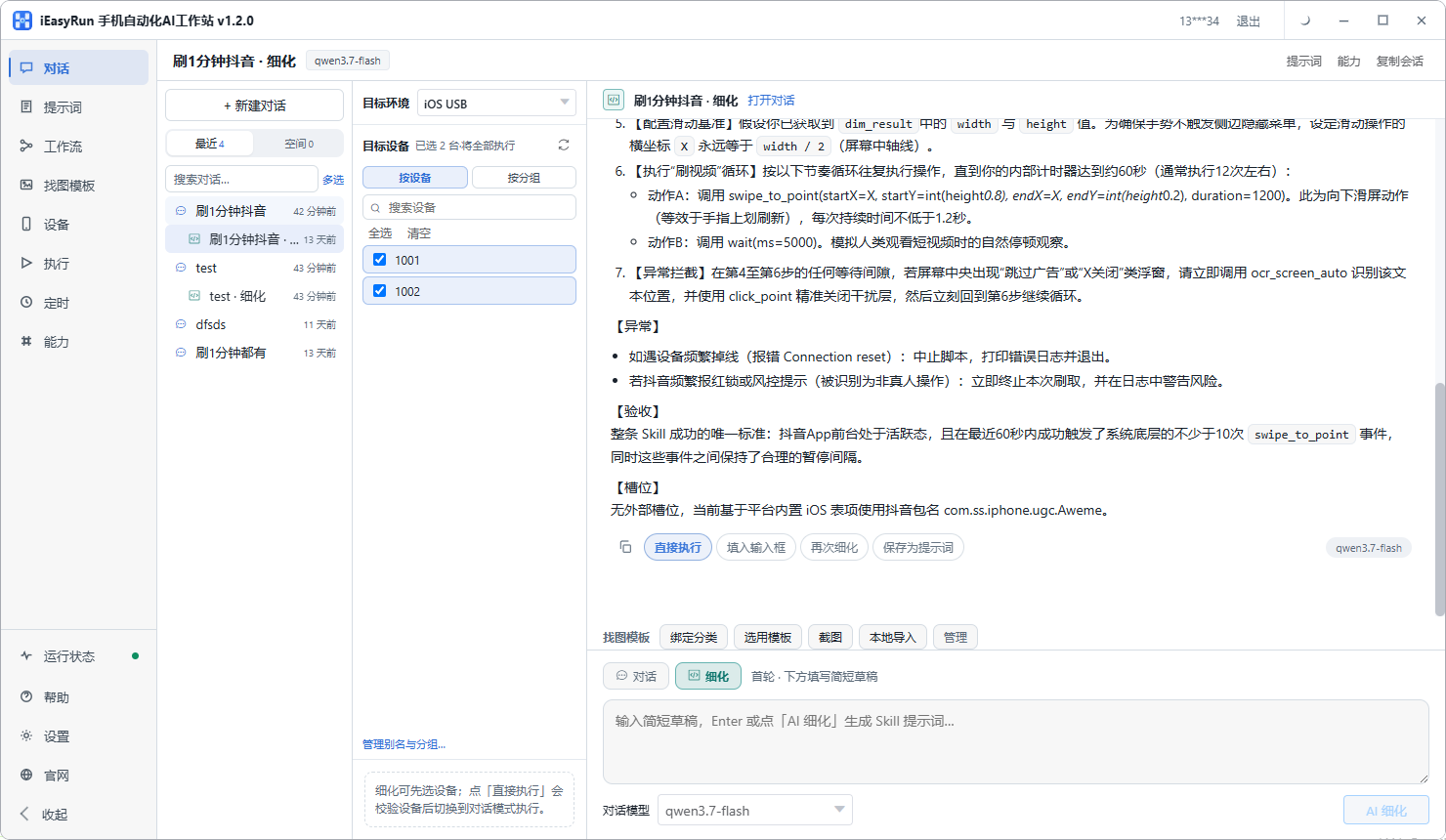
Buyer messages split in two. Shipping status, sizing questions, return process: answers are fixed and templating them is safe. Complaints, claims and unusual orders must go to a person, because one wrong sentence costs far more than the time saved.
My arrangement puts a decision line inside the flow: if it matches a standard reply, send it; if not, the flow leaves it as a draft for a person.
Stock and price watching hinges on making the rule explicit. If the rule is clear, such as restoring a price below a floor or restocking below a threshold, a template is fast and reliable. If it depends on competitors, ad data and margin, the decision stays with you. The tool executes your decision; it does not set your prices.
One more point: a bulk price update never miscalculates across a hundred runs, while a person entering a hundred prices will eventually slip. That is the real reason this is worth doing.
Three gates worth keeping
Amazon seller central work touches money, so keep these regardless of the category.
Confirm before submitting. For an Amazon bulk price update or any other flow, stop in front of the submit button on the first runs. Remove the restriction once several days go cleanly.
Set a floor and ceiling. With an Amazon bulk price update, allow movement only within a range, and stop outside it. This protects you from a single bad rule repricing an entire catalogue.
Reconcile afterwards. Check Execution History and then the back office itself. Both agreeing is what counts as a successful run.
Keeping stores apart
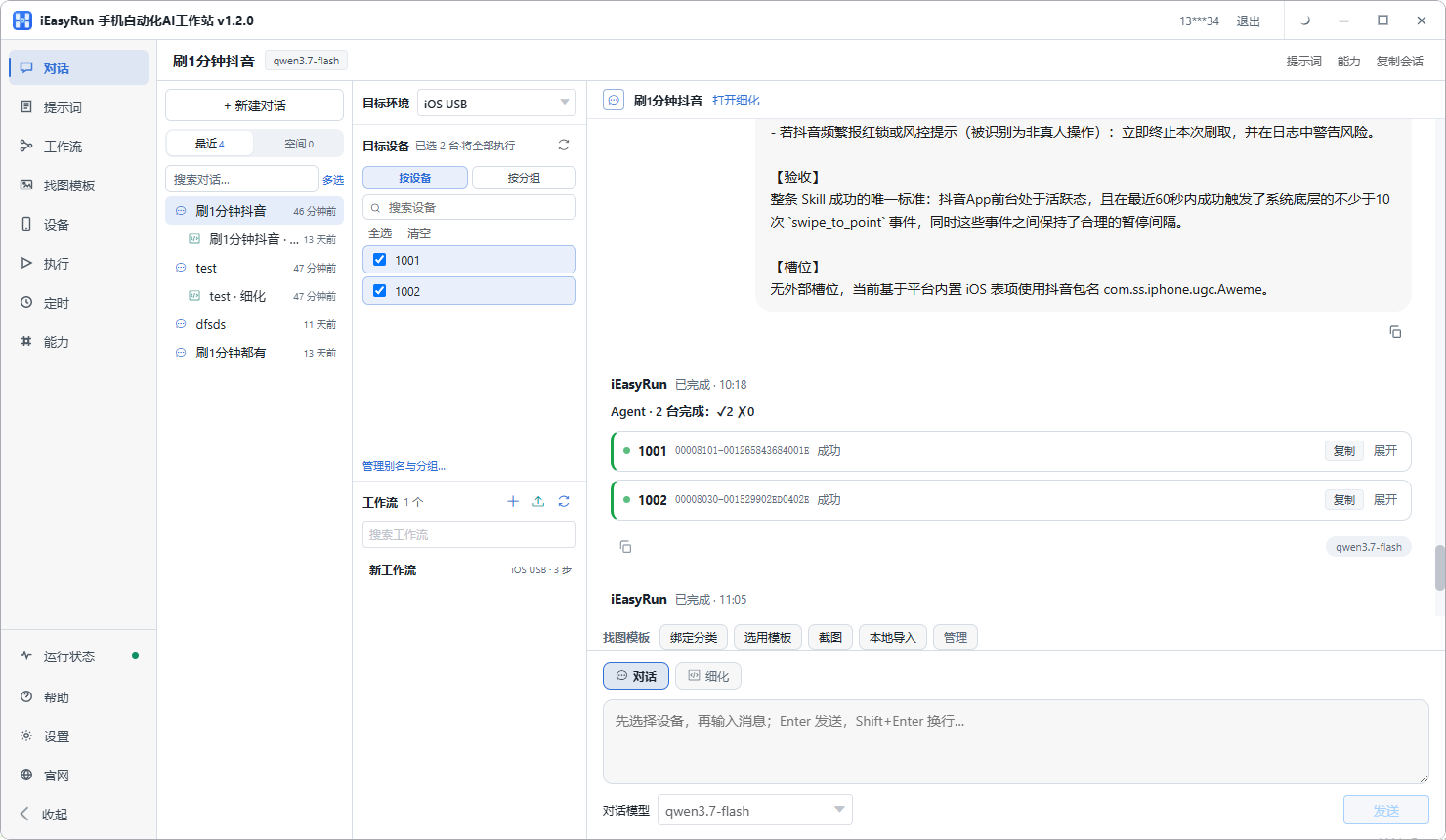
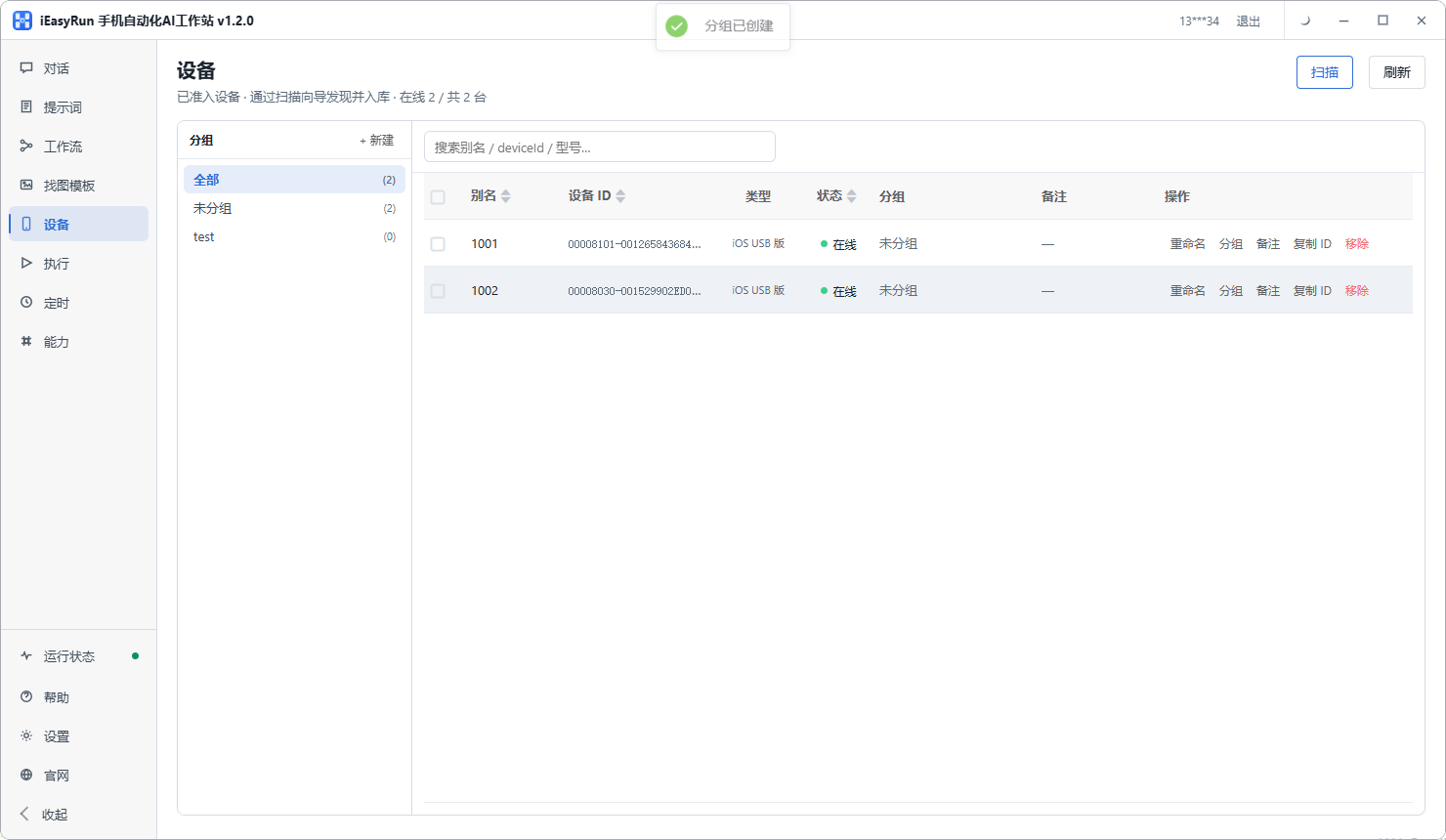
One phone per store, aliased with the store name, grouped by marketplace. The payoff shows up at dispatch time: choosing a device means choosing a store, so one decision disappears. The site documentation under Devices covers aliasing and grouping.
An English interface is not a blocker
This worries people more than it should. The approach reads what is on the screen and then decides where to tap, so the interface language changes nothing.
You write actions into the flow, such as open the orders page, tap the status filter, read the first three rows. You do not write tap the button labelled Manage Orders. Change the interface language and the flow still works. The reasoning is set out in the English interface piece.
Keep the rhythm human
One last point, on cross-border ecommerce automation and compliance.
Listing your own products, changing your own prices, replying to your own buyers are ordinary operations. What draws attention is behaviour pattern: three hundred price changes in ten minutes, high-frequency replies at three in the morning. That does not look like a person.
So set the rhythm close to human. Spread the actions of your cross-border ecommerce automation across the day, vary the intervals, and do not let volume jump suddenly. It runs into exactly the same issues manual operation does, because what the platform watches is the pattern, not how it was executed.
Back to the seller from the meetup. He did not roll it out broadly. He picked two categories, order status checks and standard buyer replies. Three months later he told me the time saved was not huge, maybe forty minutes a day, but those minutes used to be fragments and are now a block. He spends it on sourcing and supplier conversations rather than mobile operations. That, he said, is the actual return.
If you want to try it, connect one phone using the install selection page, pick one category by the two criteria above, and run it for two weeks before deciding whether to expand.
Frequently asked questions
- The back office is more complete on a computer. Why work on a phone at all?
- Because a lot of these actions happen in fragments. A buyer message arrives at midnight, stock suddenly runs short, an order status needs confirming. None of that waits until you sit down at a desk, and handling it on the phone is how most small sellers actually work.
- Which actions repeat the most?
- Checking order status, answering standard buyer questions, and watching stock and price. All three are fixed sequences with almost no judgement, and all three repeat many times a day. Listing a new product is the opposite: fewer times, more thinking.
- Is a bulk price update Amazon-seller-style worth automating?
- It depends on what drives the change. If the rule is explicit, such as restoring a price below a floor, a template handles it quickly and never miscalculates. If pricing depends on reading competitors, ad data and margin, a person decides and the tool only executes the outcome.
- Can buyer messages be handed over entirely?
- I would not. A good share of them are complaints, claims and unusual orders, where a wrong reply is expensive. Split them: shipping status, sizing questions and dispatch timing can be templated; complaints and claims always go to a person.
- How do I stop a price change going wrong?
- Three gates. Confirm before submitting for the first runs. Reconcile the result against Execution History afterwards. And set a floor and ceiling so the flow can only move within a range, which protects you from one bad rule repricing a whole catalogue.
- The interface is in English. Does that matter?
- No. This approach reads what is on the screen and then decides where to tap, so the interface language is irrelevant. You describe actions such as open the orders page, tap the status filter, read the first three rows. You do not need to read English.
- How should several stores be kept apart?
- One phone per store, aliased with the store name, grouped by marketplace. Choosing a device then means choosing a store, so nothing has to be held in memory and there is one less chance of a mistake.
- Does this run into platform rules?
- Listing your own products, changing your own prices, replying to your own buyers are ordinary operations in cross-border ecommerce automation. The risk lies in unusual behaviour patterns: very high frequency, or large batches of identical actions in a short window. Keep the rhythm close to human.
Pick one category first
Hand over the action that repeats most often
Software is completely free and runs on your own computer.